How to find Academy Support Calls
Quantexa Academy Support Sessions are virtual support sessions to get help from the Academy Team Leads.
These happen regularly to provide coverage across the different time zones.
They provide an opportunity to get live support for troubleshooting bugs or answering queries.
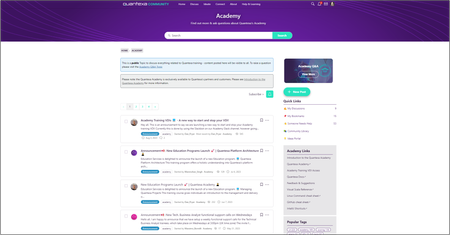
Additional Support at other times is available via the Academy Q&A forum on Quantexa Community. This is monitored by our Academy Team Leads and you may find someone has asked a similar question before.
⏰Support Call Schedule ⏰
To ensure you are up-to-date on the latest schedule please refer to the Support Call Schedule page on Quantexa Community. The Academy Team will post here each week to inform users of any cancellations.
🔎Where to find Support Call Invitations🔍
You can find your support call invitations for the Quantexa Academy by following the steps below:
NOTE: Access to support calls is only available through the following courses: Quantexa Data Engineer Academy and Scoring Engineer Academy.
- Login to your Quantexa Academy dashboard
- Select ‘Learning Paths’
- Navigate to the block showing the learning path you are enrolled in. For example: Quantexa Data Engineer Academy
- Select ‘Read more’
- Navigate to the section titled: Training Support
- Navigate to the section 2 titled: Quantexa Academy Support Calls
- Select the word ‘here’ to initiate the download of the support calls in zip format
- Extract the support call zip files and open them up and select ‘Accept’ to accept the meeting invitation
NOTE: These support sessions are intended for live Academy learners only and focus on supporting learners who are actively progressing through the Academy.
❓How to get in touch!
If you have any further questions about Academy Support Calls please email the Education Services Admin team at [email protected].

 Quantexa Team