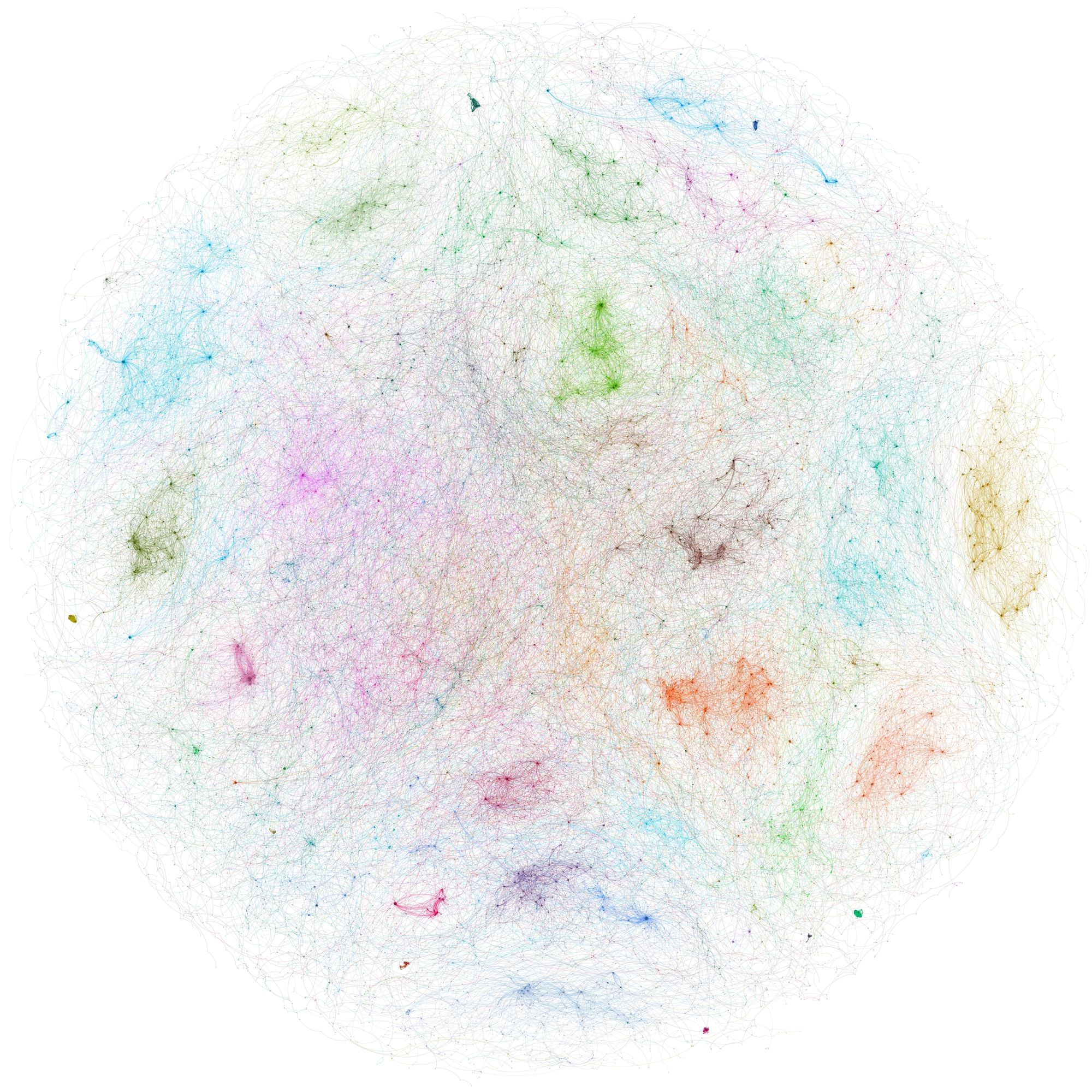
Creating and Exploring a Q Knowledge Graph

 Quantexa Team
Organisations today hold more data than ever, but most of the value does not come from the individual records, but in the connections between them. Which individuals sit behind a cluster of businesses, forming shell networks? Which accounts move money between each other to hide a fraud ring? These are network questions, and answering them means treating your resolved data as a graph.
Traditional graph databases work well with small graphs, but they tend to struggle once a network grows to hundreds of millions - or billions - of nodes and edges, which is exactly the scale of real data problems organisations try to solve.
That's exactly what Q Knowledge Graph (QKG) is for. It’s built to run algorithms and perform analytics efficiently, effectively unlocking graph data science at scale. In this article we'll cover the why, the what, and the how of building your knowledge graph and introduce how to explore it to find insights.
Background
Quantexa's Entity Resolution turns messy, scattered data into a connected network of entities. You can bring together internal customer records, corporate registry and sanctions lists, and resolve these records into entities - for example business, individual, address, account - linked through the relationships that connect them in the real world: shareholdings, ownership, and transactions between accounts. The result is a single source of truth for your data, which is also enormous - often millions or billions of nodes and edges.
That scale is exactly why a Knowledge Graph is usually the next step for many analytical applications. A knowledge graph is a type of graph that shows the relationships between different pieces of data. It represents a network of real world entities and the relationships between them.
What is a Q Knowledge Graph?
Q Knowledge Graph is our in-house graph processing engine and framework, designed to query and analyse knowledge graphs generated from Quantexa. It offers a network science friendly Python API and native support for Graph Machine Learning, all running very efficiently at scale thanks to a sparse-matrix backend built on distributed linear algebra.
A node is typically a resolved Quantexa entity - an individual, a business, an account, a telephone - or a document. Each node type carries its own features (numeric or string attributes).
Relationships are typed and directed. Edges are written as head-relationship-tail triplets. individual-owner-account and account-txn-account are two different relationship types, and QKG keeps them distinct. In code, that edge is a first-class object:
import qknowledgegraph as qkg
qkg.Triplet("individual", "owner", "account") # (head, relationship, tail)
qkg.Triplet.from_string("individual-owner-account") # the same, as a string
The full set of node types and relationship types represents the graph's schema, which is called the metagraph - more on that when we start exploring.
Why use QKG?
QKG is built specifically for graph analytics on Quantexa resolved data, at scale, and without leaving the Python ecosystem. A few things it gives you:
- Network science on Quantexa data, without leaving Python. You can run complex graph operations - such as centrality, ego network expansion, cycle detection and more - directly against your resolved entities.
- A bridge to graph machine learning. QKG can shape neighborhoods and hand them straight to PyTorch Geometric to train GNN models.
- Scale. Sparse matrices plus Spark for the heavy joins mean the same code works on a toy graph and on a production-sized one.
- Pluggable backends. SciPy out of the box, GraphBLAS for acceleration, or NetworkX when you want interoperability - switchable without rewriting your analysis.
Getting started
The snippets below are written to be run interactively in a Jupyter notebook. Everything assumes a Spark session, which you can start up using the below QPython function:
from qpython.qspark.spark import start_spark
spark, _, _ = start_spark("qknowledgegraph")
import qknowledgegraph as qkg
Creating a graph
There are several routes into QKG, depending on where your data is stored.
The fastest way to get a real graph to play with is a generator. These write a proper graph to disk and hand you back a KnowledgeGraph:
kg = qkg.generators.gen_individual_business_txn_graph("./data", director_density=0.1)
That's it - you now have individuals, businesses and accounts, and multiple relationships between them. To reopen a saved graph later:
kg = qkg.KnowledgeGraph.load("./data/simple-graph.kginfo", spark)
You can also feed in the Quantexa Batch Resolver output. You need to point QKG at Batch Resolver outputs and declare which entities, edges and features you want to keep:
import qknowledgegraph.ingest.qbatchresolver as qbr
from qpython.qbatchresolver.batch_resolver import BatchResolver
br = BatchResolver("path/to/batch_resolver/")
kg = qbr.KnowledgeGraphCreator(
qbr.NodeExtractor("business", F.col("isOnHotlist").cast("float")), # keep a feature
qbr.RelationshipExtractor("relationship"),
qbr.RelationshipExtractor("role", source="individual", target="telephone"),
).create(br, output_root="./data", graph_name="qbr", parquet_write_mode="overwrite")
NodeExtractor and RelationshipExtractor - define which node types to keep, which features to carry over, and which edges to build. Using this information, KnowledgeGraphCreator(...).create(...) runs the ingest.
Exploring a graph
Let's first take a look at the generated knowledge graph. Running the following code snippet will sketch the graph's schema (every node type and the relationship types connecting them) as a diagram:
from qknowledgegraph import viz
viz.draw_metagraph_pydot(kg.metagraph)
You can then explore the created knowledge graph by running the code below:
kg.overview() # node & edge counts
list(kg.entities) # node types
[t.motif_string for t in kg.triplets] # relationship types
This will print the summary of the graph, as you can see in the below image.
Reshape it with Perspectives
Most of the times, knowledge graphs are heterogeneous - they contain multiple types of nodes and edges. However, often only some nodes and edges may be relevant to your Knowledge Graph. For example, if you're tracing how money moves between people, the transaction edges are what you need and the address links are just noise; on the other hand, transactions may be irrelevant for analysing corporate hierarchies. Using the Quantexa’s patented Perspective technology, you can easily transform the graph via the metagraph, for example by collapsing a multi-hop path into a single derived relationship, then pruning down to just the nodes types you care about:
def txn_path(src, dst):
return [
qkg.Triplet(src, "owner", "account"),
qkg.Triplet("account", "txn", "account"),
qkg.Triplet(dst, "owner", "account").invert(),
]
end_nodes = ["business", "individual"]
transaction_paths = [txn_path(src, dst) for src in end_nodes for dst in end_nodes]
mg = kg.metagraph.augment(*[("txn", path) for path in transaction_paths]).select(nodes=["business", "individual"], relationships=["txn"])
Similarly as above, by running the code
viz.save_metagraph_pydot(mg, show_change_from=kg.metagraph, path="./mg_diff.png")
viz.draw_metagraph_pydot(mg, show_change_from=kg.metagraph)
you can visualize the metagraph of your transformed knowledge graph after augmentation and pruning, as shown below.
You can finally save the new metagraph by running the below code
perspective = kg.save_perspective(mg, name="perspective", output_root="./data")
Rank the important nodes
With a graph in hand, you can run complex algorithms such as PageRank, which gives you back the most relevant nodes (in this case individuals) in your graph.
pagerank = qkg.PageRank(perspective).run()
Now we print the top 5 most important individuals found with PageRank.
top_individuals = (
pagerank.pandas().get("individual")
.sort_values("pagerank", ascending=False)
.head(5)
.assign(entity_type="individual")[["entity_type", "graph_node_id"]]
)
Build ego-networks
EgoBuilder grows a neighbourhood outward from seed nodes, following a path query (head-relationship-tail, with * for "any" and | for "or"):
ego = qkg.EgoBuilder(perspective).seed(top_individuals).expand("individual-*-business-*-individual")
print(ego.explain()) # see the planned expansion before it runs
nhds = ego.run("./data/nhds") # nothing runs until .run(); returns a Spark DataFrame
The length of the path query controls how many hops the expansion travels from each seed. Each -relationship-node segment you chain on is one more hop outward: individual-*-business-*-individual is a two-hop expansion (individual → business → individual), whereas individual-*-business would stop after one. The more hops, the wider -- and more computationally expensive - the neighbourhood.
Seeds can be a node type, a list of types, or a DataFrame - so you can, for example, seed the expansion with your top PageRank nodes.
Ask questions in Cypher
If you prefer a query language, CypherInterpreter runs OpenCypher-style MATCH ... RETURN queries over neighbourhoods:
from qknowledgegraph.cypher import CypherInterpreter
seeded = qkg.EgoBuilder(kg).seed("individual")CypherInterpreter(seeded).run(
"MATCH (:individual)-[]->(biz:business)-[]->() RETURN biz.x1",
neighborhood_transform=inject_business_features
)
The neighborhood_transform parameter lets you inject the features (in this case business features), in order to extract the x1 feature.
From Ego-networks to Scoring Graphs
Ego-networks can be converted to NetworkX graphs for custom graph analysis, or to Quantexa ScoringGraph objects for the Assess scoring pipeline.
from qknowledgegraph.neighborhood.scoring import neighborhood_df_to_scoring_graphs
scoring_graphs = neighborhood_df_to_scoring_graphs(
nhds,
output_path="./data/scoring_graphs",
mode="overwrite"
)
scoring_graphs.scoring_graph.show(5, truncate=True)
The ego-networks around our highest PageRank individuals are now Quantexa Scoring Graphs, ready for network scoring rules in an Assess pipeline.
Summary
This article is a brief introduction of QKnowledgeGraph: we explored from why modelling connections with graph matters to what QKG is, and how you actually build and explore one. We saw that QKG turns Quantexa's resolved entities into graphs where you can do data science, at scale, within the Python ecosystem.
Quantexa Team

