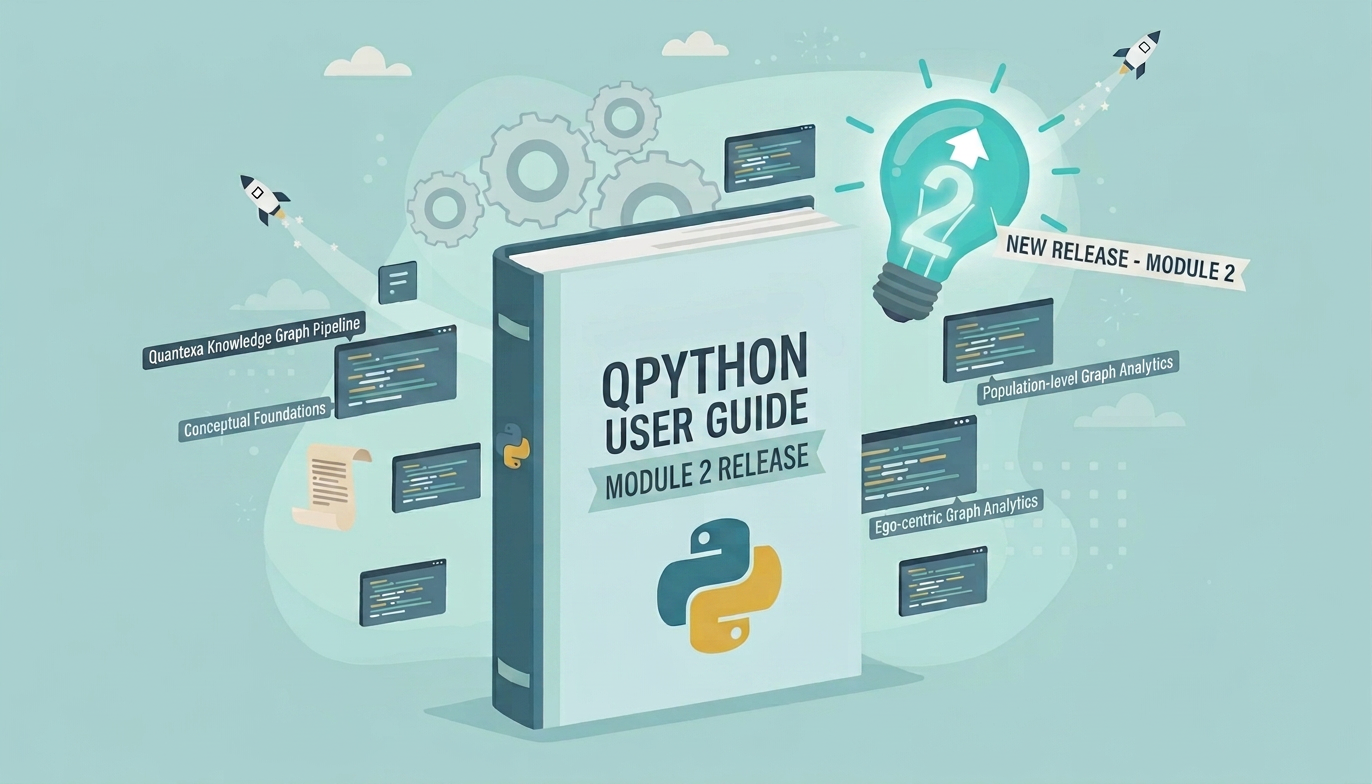
QPython User Guide - Module 2: Quantexa Knowledge Graph — Now Available

 Quantexa Team
We're excited to launch the QPython User Guide - Module 2: Quantexa Knowledge Graph on the Community — our second QPython-based module, following the release of Processing Quantexa Assets in February 2026.
Target Audience
This User Guide is designed for:
- Data Scientists
- Data Analysts
- Anyone working with Quantexa Batch Resolver outputs who wants to explore and apply the full capabilities of the Quantexa Knowledge Graph
Technical Requirements
To get started, you will need:
- A Quantexa license to run Knowledge Graphs
- Access to Quantexa Batch Resolver output
- Access to QPython and Quantexa Knowledge Graph libraries
- Working knowledge of Python (no Scala required)
Program Format
This is a Community-based User Guide, available to all registered members.
Throughout the Guide, you’ll work hands-on with core capabilities of the Quantexa Knowledge Graph. This includes leveraging Batch Resolver outputs, exploring graph data interactively, and creating new relationships between nodes and edges through Analytical Perspectives.
You’ll also be introduced to scalable graph analytics, such as PageRank, and learn how to export your outputs into widely used open-source formats, including Parquet, NetworkX, SciPy, GraphFrames, and PyTorch.
Get Started
You can jump straight in - no enrolment or VDI is required, and all content is accessible directly through the Community Platform. Explore Now!
Duration
We recommend allowing 2–3 days (full-time) to work through the complete set of lessons and hands-on examples.
Program Structure
The User Guide is organized into four lessons, designed to be completed sequentially.
1. The Conceptual Foundations of the Quantexa Knowledge Graph
Understand the principles and concepts that underpin the Quantexa Knowledge Graph.
2. The Quantexa Knowledge Graph Pipeline
Learn how to construct and manage a Knowledge Graph.
3. Ego-centric Graph Analytics
Explore graph data from a localized, neighborhood perspective.
4. Population-level Graph Analytics
Scale your analysis across the full graph.
Questions or Support
If you have any questions about the content or how to get started:
- Reach out via the Community discussion channels, or
- Contact the Training Team (Education Services) directly.
We hope you enjoy the program
We’re excited to make this content available and hope you find it valuable as you continue building your expertise with the Quantexa Knowledge Graph.
Your feedback plays an important role in helping us improve, so we encourage you to share your thoughts and experiences as you work through the Guide.
Quantexa Team